From lending to return. From intake to completion.

Keep loans and repairs connected to the same device and customer. See what is on loan, what is being handled and what is ready to collect.

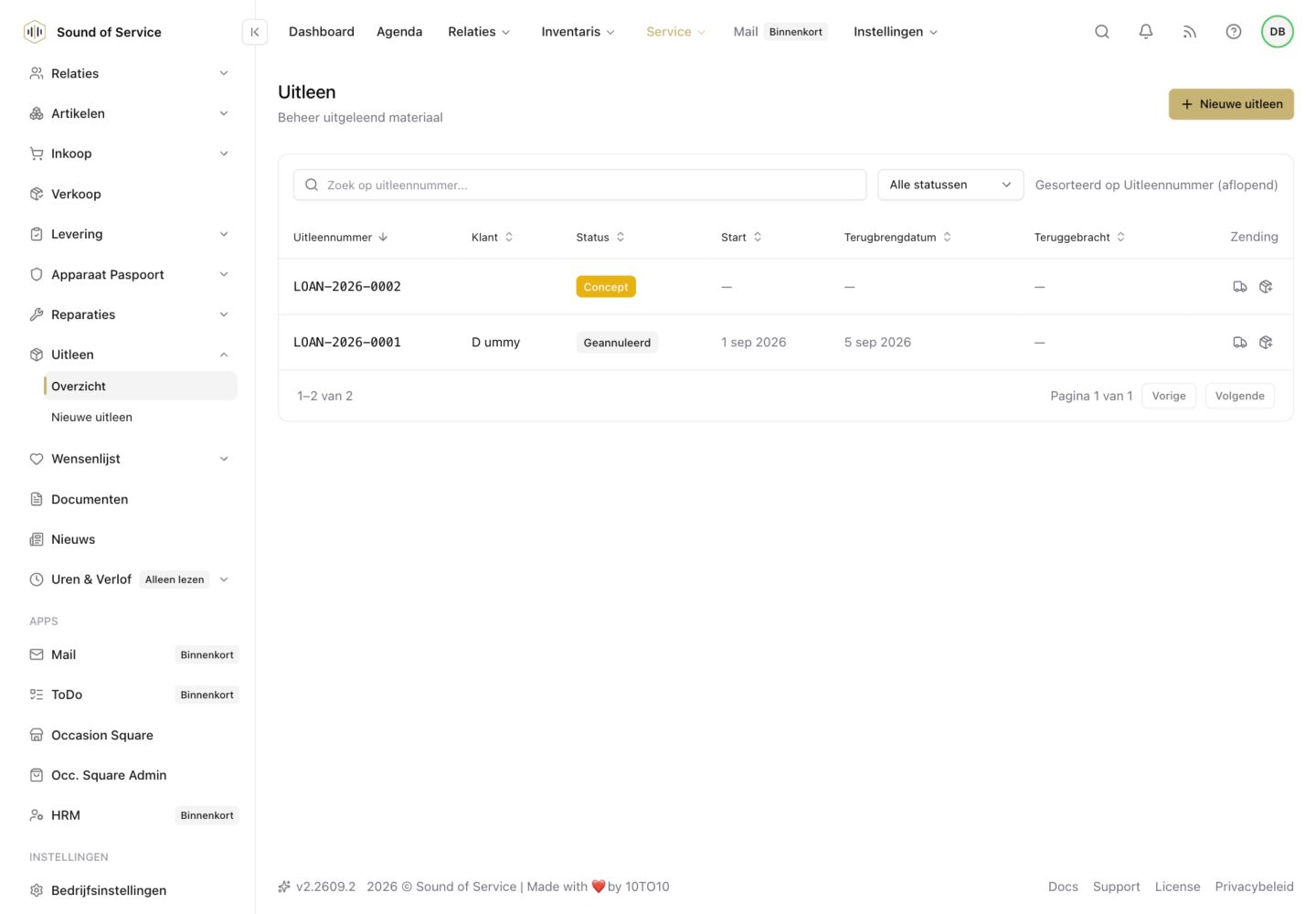
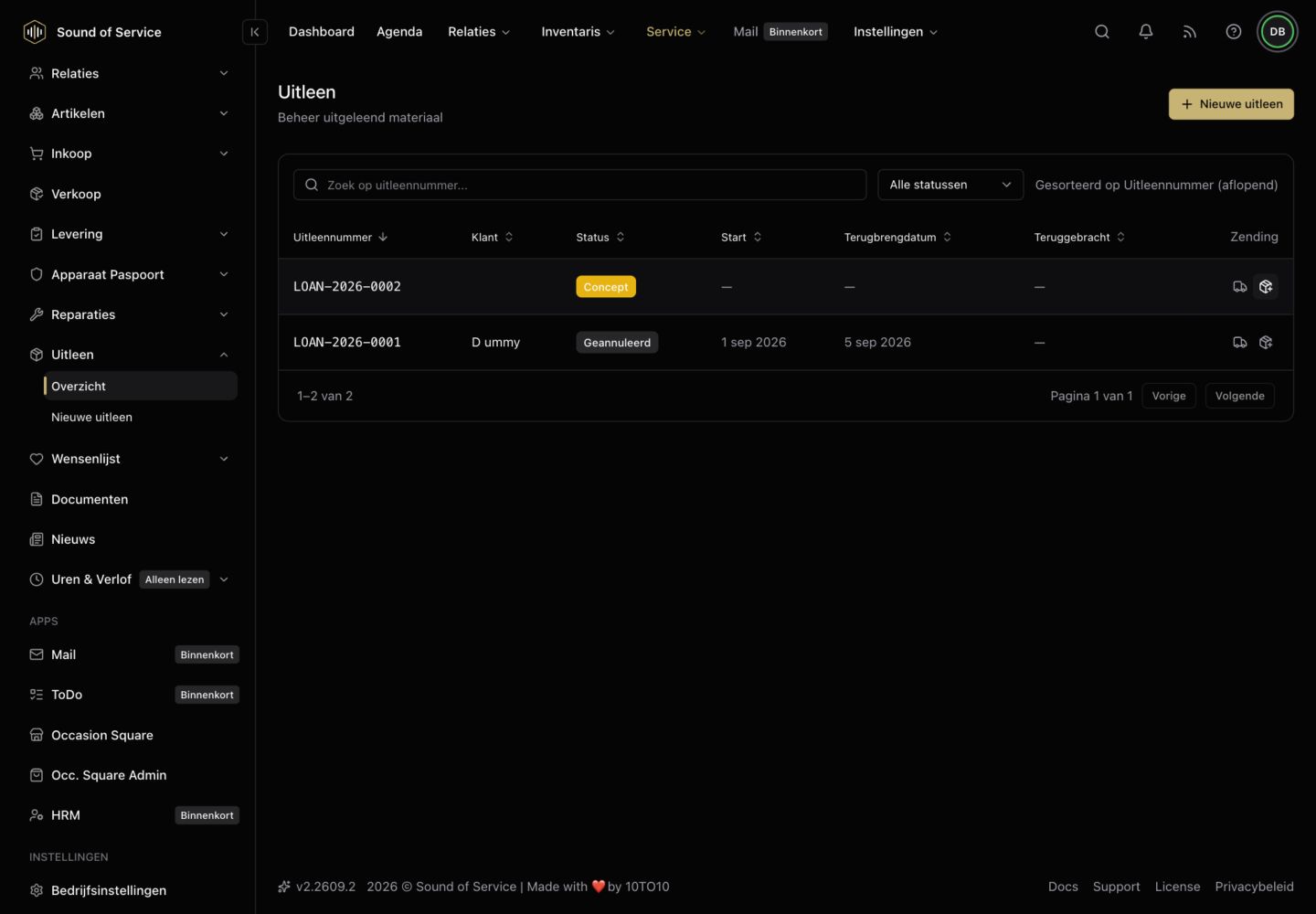
Loan overview in the dealer demo; some demonstration fields are empty.Loan overview in the dealer demo; some demonstration fields are empty.

Loans & repairs

In practice

  • 01

    Keep track of loans

    Record who has a device and when it should return. Use customer, article and serial-number details already known in your own workspace.

  • 02

    Repairs from intake onwards

    Register the customer, device, serial number and reported fault. Follow the process in your dealer workspace: from internal handling or with a repairer to returned and ready for collection.

  • 03

    Keep known history with the device

    Keep the record connected to the same unit. Relevant known service information can become part of its Hardware Passport without making the customer file public.

Your own workspace, deliberate connections.

Module data belongs to your own business workspace. Connecting modules does not give another business access to your administration. Partner sharing and publication use the relevant collaboration and publication settings. Public device information is not a public customer file.

Repairs within your dealer workspace.

This page covers tracking loans and repairs within the dealer workspace. The dedicated workspace for independent repairers is still in development. Calendar and listening appointments will have their own place later. Weekly Digest is already available as a useful additional overview of appointments, loans and repairs.


Discover what fits your work.

Contact us
Loans & repairs | Sound of Service