

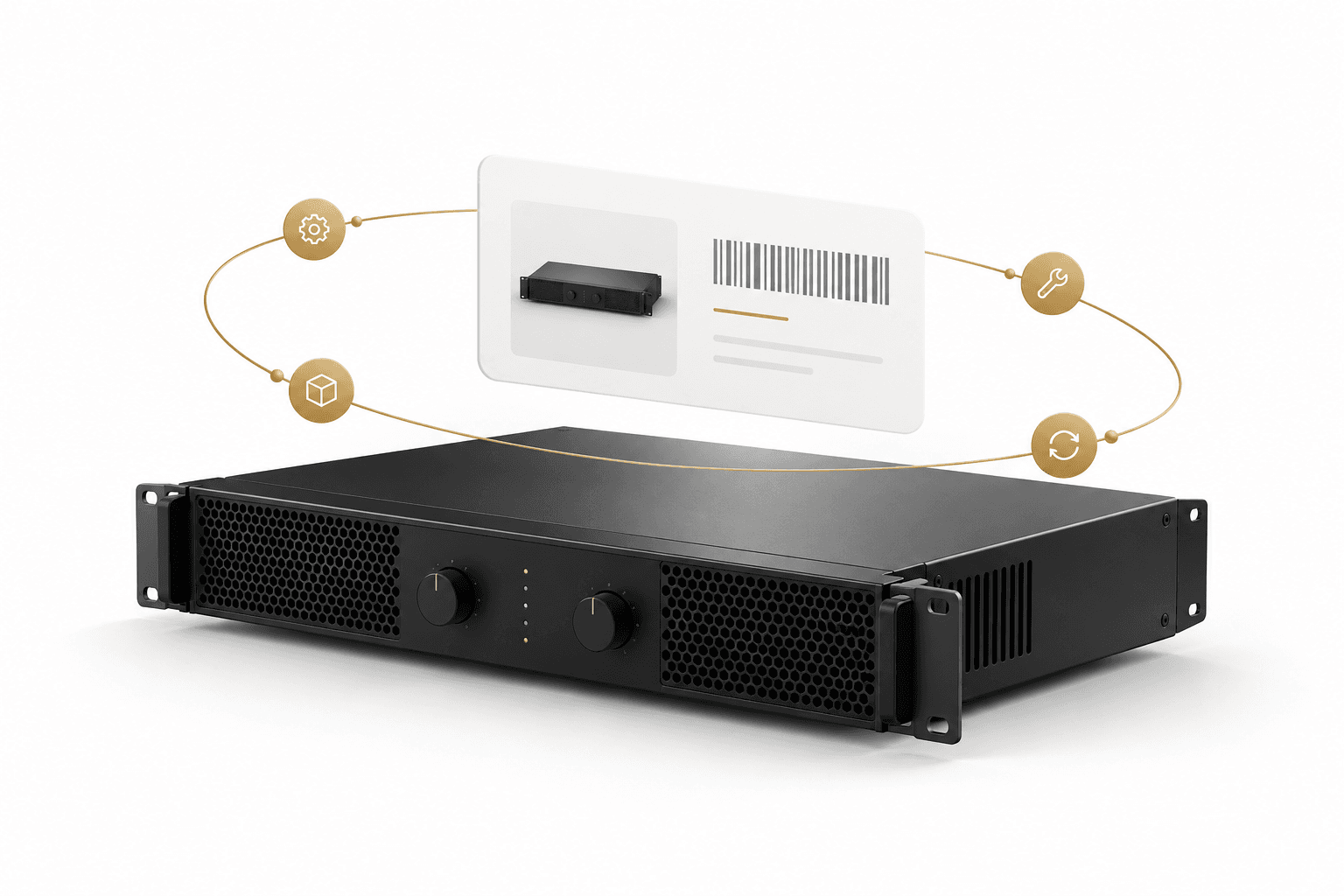
Hardware passport

Which device is this, and what has happened to it? The Hardware Passport keeps its brand, model, serial number and history together. Useful when it returns, is traded in or changes hands.

The demo requires a login. Request demo access.

Passport · Serial · Identity · History

“Have we seen this device before?” When a device is traded in or needs service, you want more than its brand and model. What is its serial number, and what has been done to it before?

The Hardware Passport brings one device’s identity and history together. Its brand, model and serial number identify the unit. Its service history shows what has been recorded.

When it changes hands, is traded in or sold used, that history helps the next owner or dealer. There is less to track down again and more information to assess what the device needs.
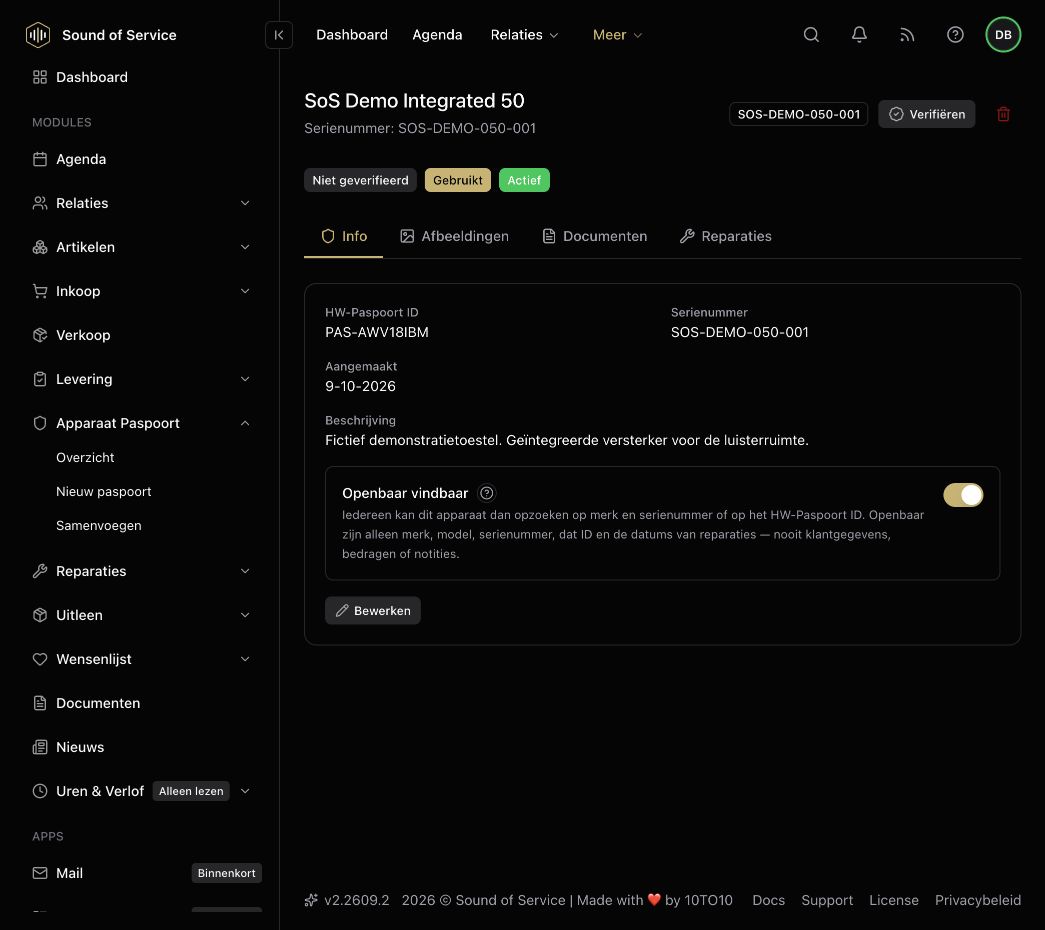
Hardware Passport in the dealer demo, with a fictional device and serial number.
Actual dealer demo · fictional data · Dutch interface

Per unit

What the passport keeps

From serial number to service history: the information stays with this device.

  • 01

    Identity

    Brand, model and the core details of this unit, so everyone is talking about the same product.

  • 02

    Serial number

    The number stays with the unit. It does not have to be pulled from an invoice or an email again.

  • 03

    Service and repair

    Each service and each repair builds history. Later you can read what was done.

  • 04

    Transfer and ownership

    At trade-in, resale or a new owner the life of the product goes with it. The chain does not have to start again.

  • 05

    A longer life

    A unit with a known history stays usable for longer. That is the practical side of longevity in audio.

A device back in your shop? See how to find its brand, model and serial number in the passport.

Explore the demo

The demo requires a login. Request demo access.