

Knowing your customer starts with context.

Bring contact details, equipment and appointments together in your own business workspace. Understand who a customer is and what matters to them.

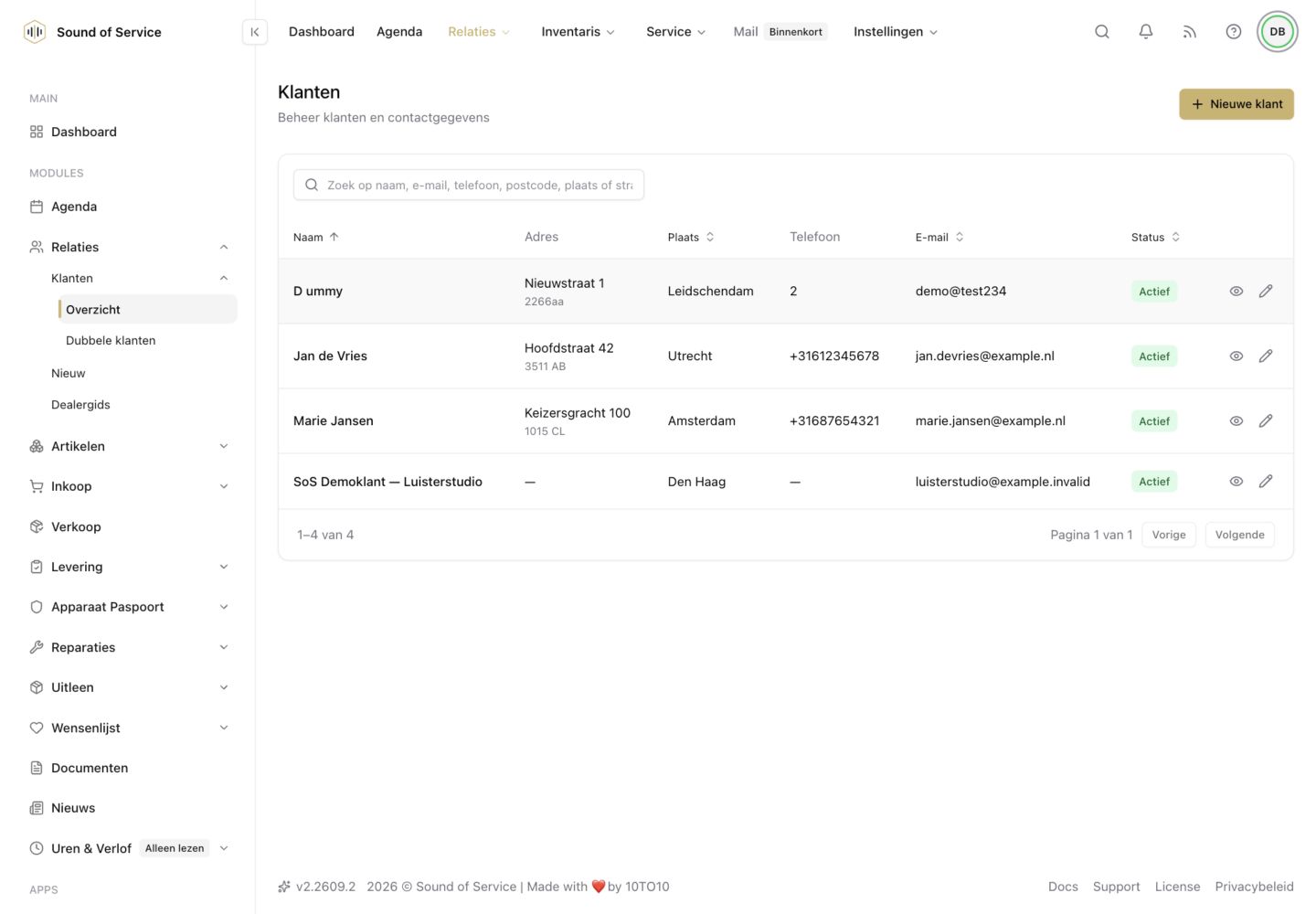
Customer overview in the dealer demo, with fictional contacts and details.Customer overview in the dealer demo, with fictional contacts and details.

CRM & customer relationships

In practice

  • 01

    When a customer calls

    Find the contact details and equipment associated with the customer. You do not have to rebuild the story every time.

  • 02

    Prepare a listening appointment

    Use the known customer information alongside your calendar and loan records to prepare for the appointment.

  • 03

    Beyond the sale

    Keep track of the relationship and known device history. A serial number connects an individual device to its Hardware Passport.

Your own workspace, deliberate connections.

Module data belongs to your own business workspace. Connecting modules does not give another business access to your administration. Partner sharing and publication use the relevant collaboration and publication settings. Public device information is not a public customer file.

Discover what fits your work.

Contact us
CRM & customer relationships | Sound of Service